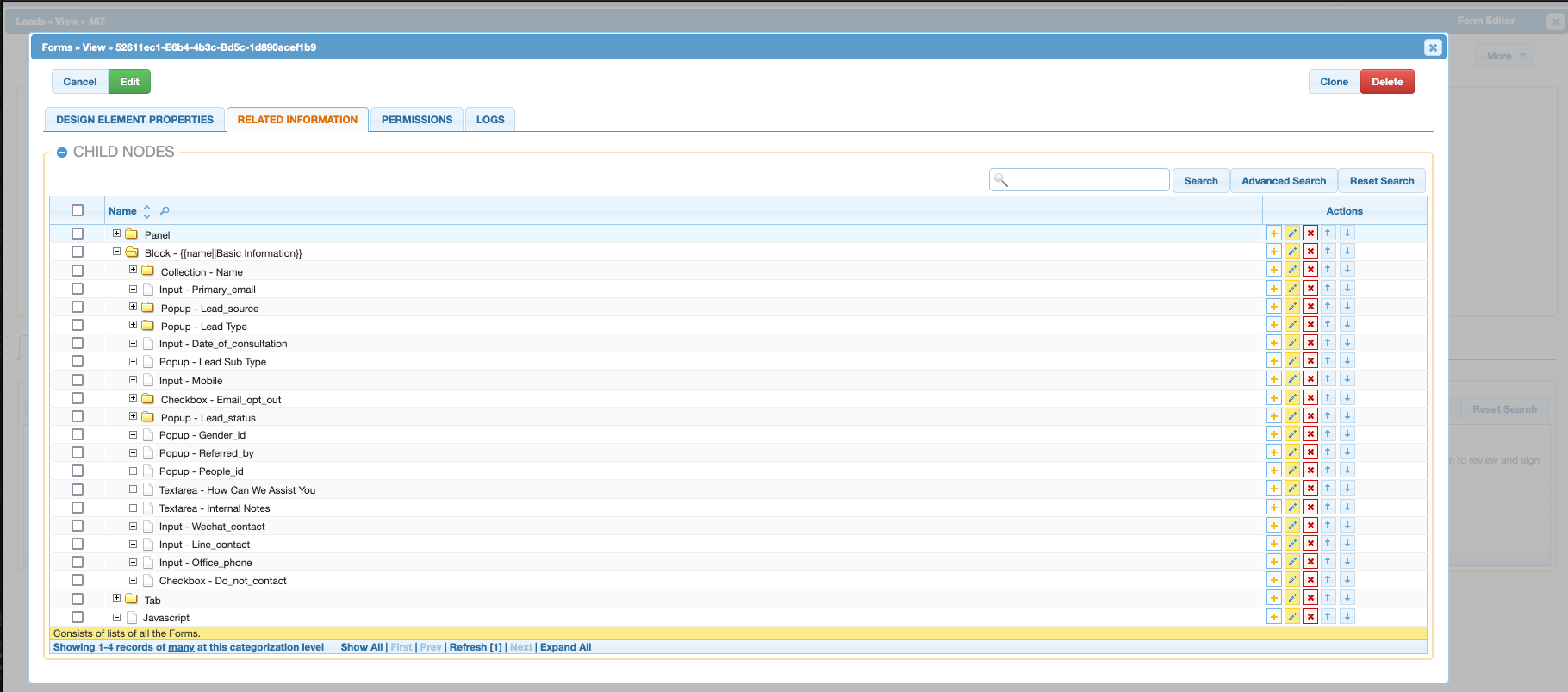
Developer Module
The developer module is where users can create and edit fields and values on models as well as edit the form view of a record.
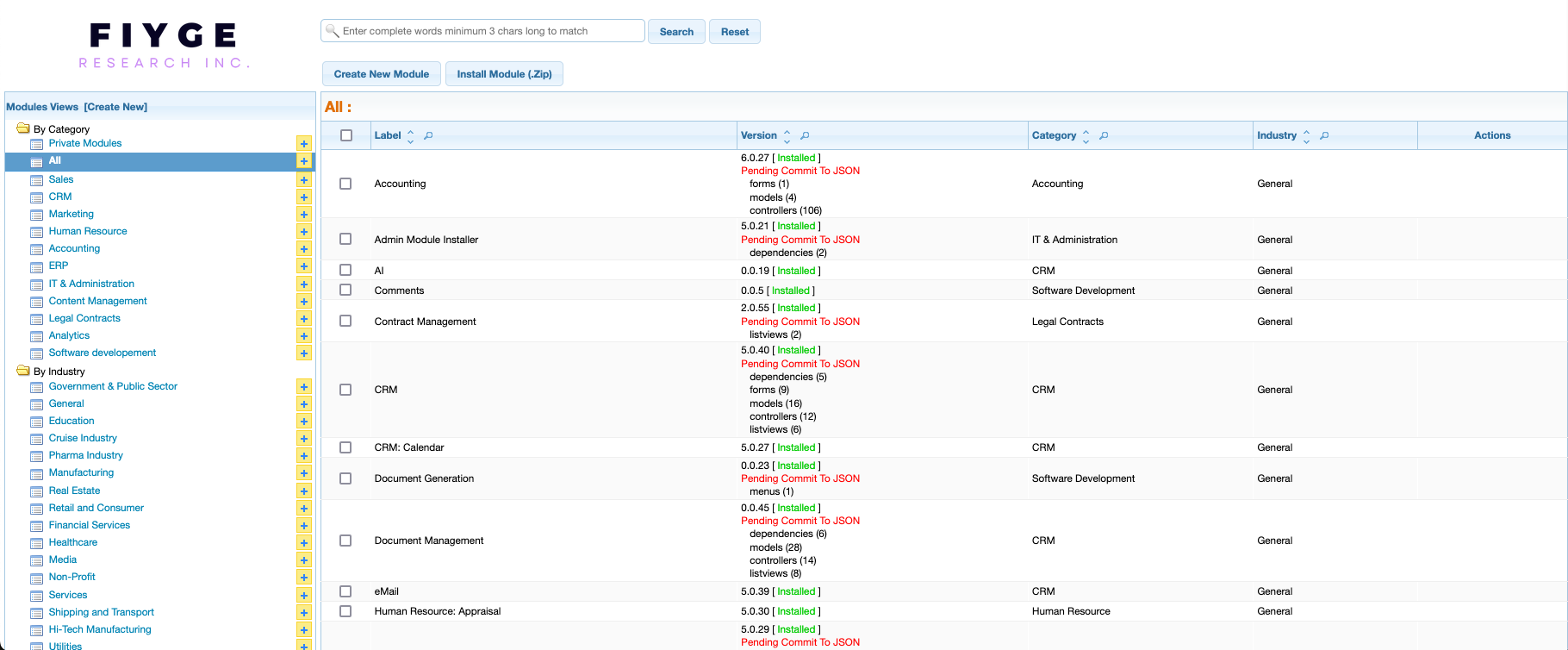
Under development_base/modules/index, you can view all modules.
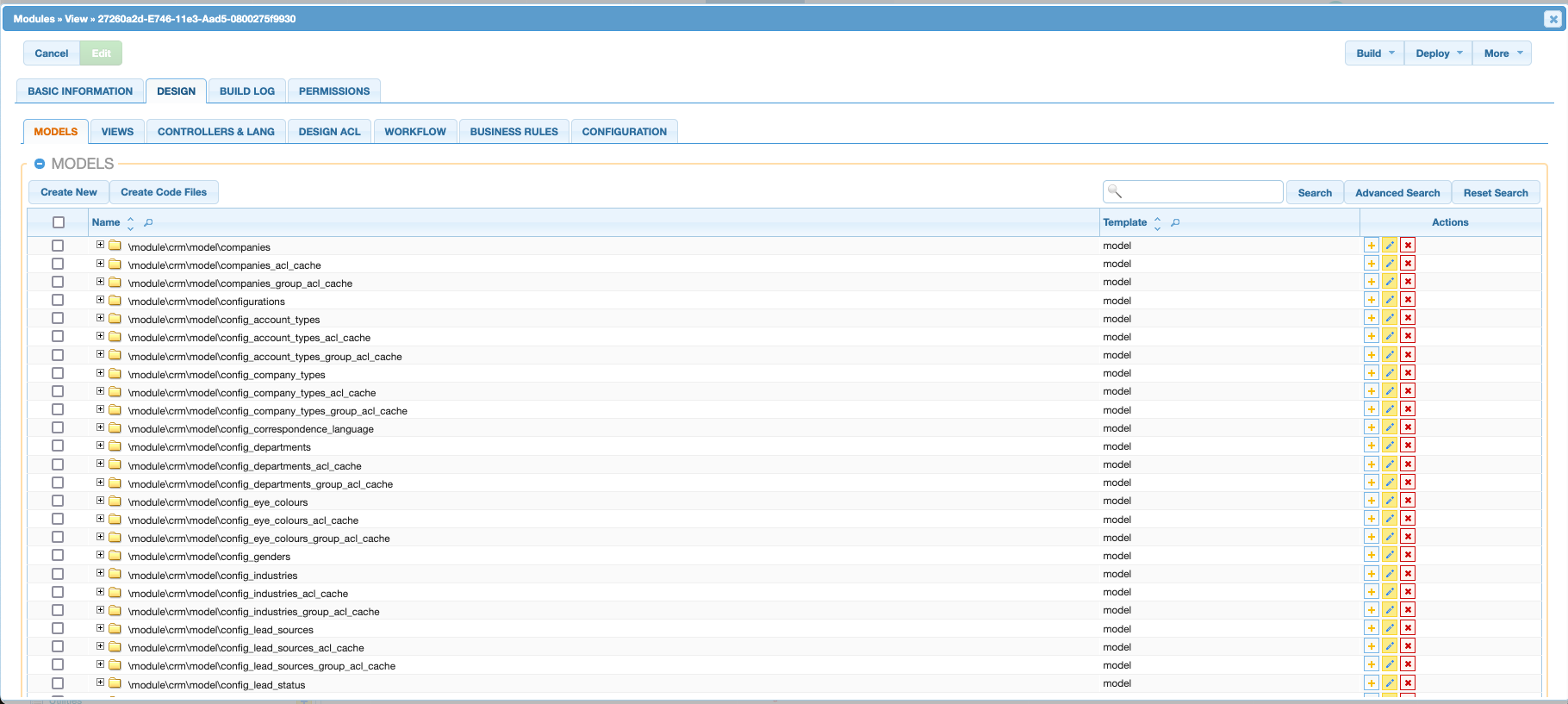
By selecting CRM, we can view all the models/controllers under this module. Let us select \module\crm\model\leads
Under related information there are 4 list views: Model Associations, Model Fields, Model Behaviours and Model Validations
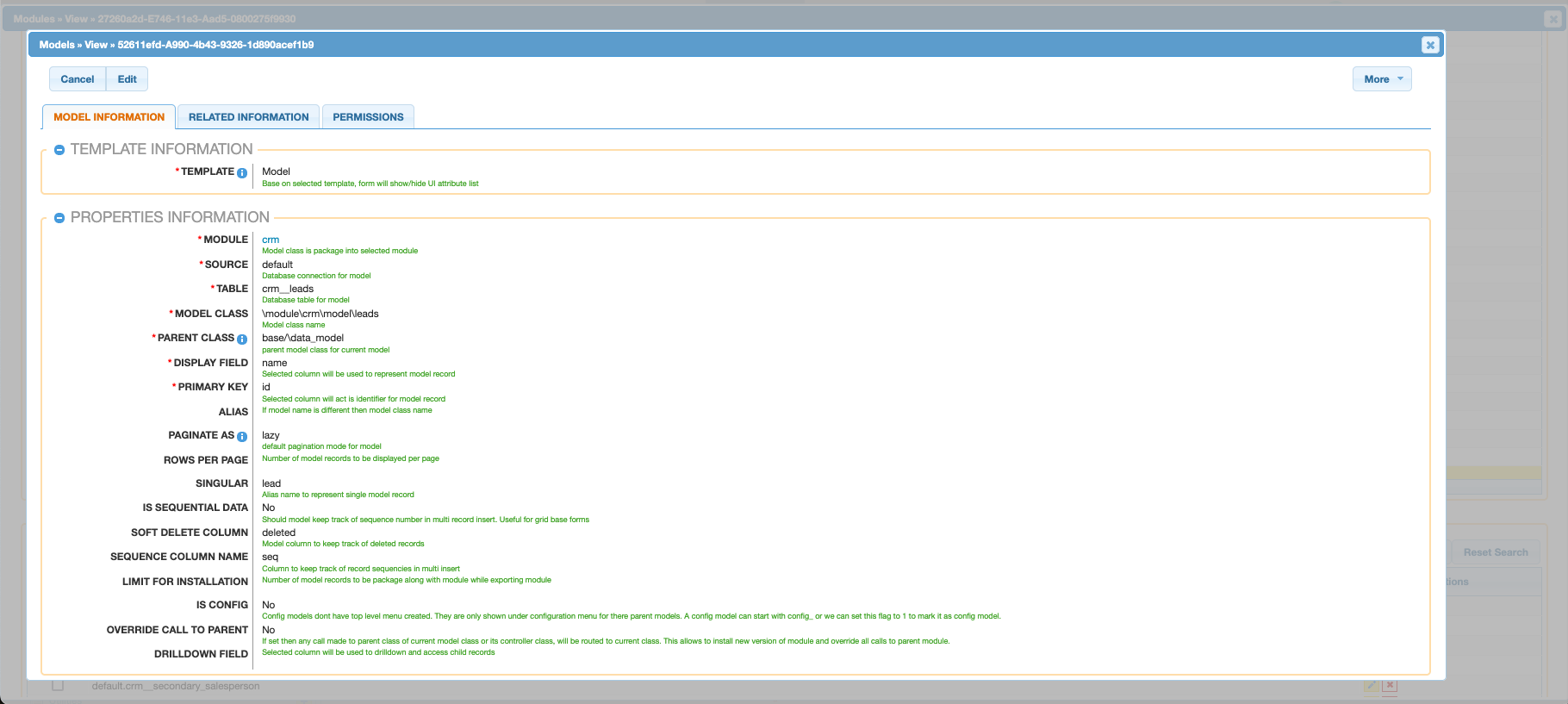
- Model Associations: Defines associations to another model
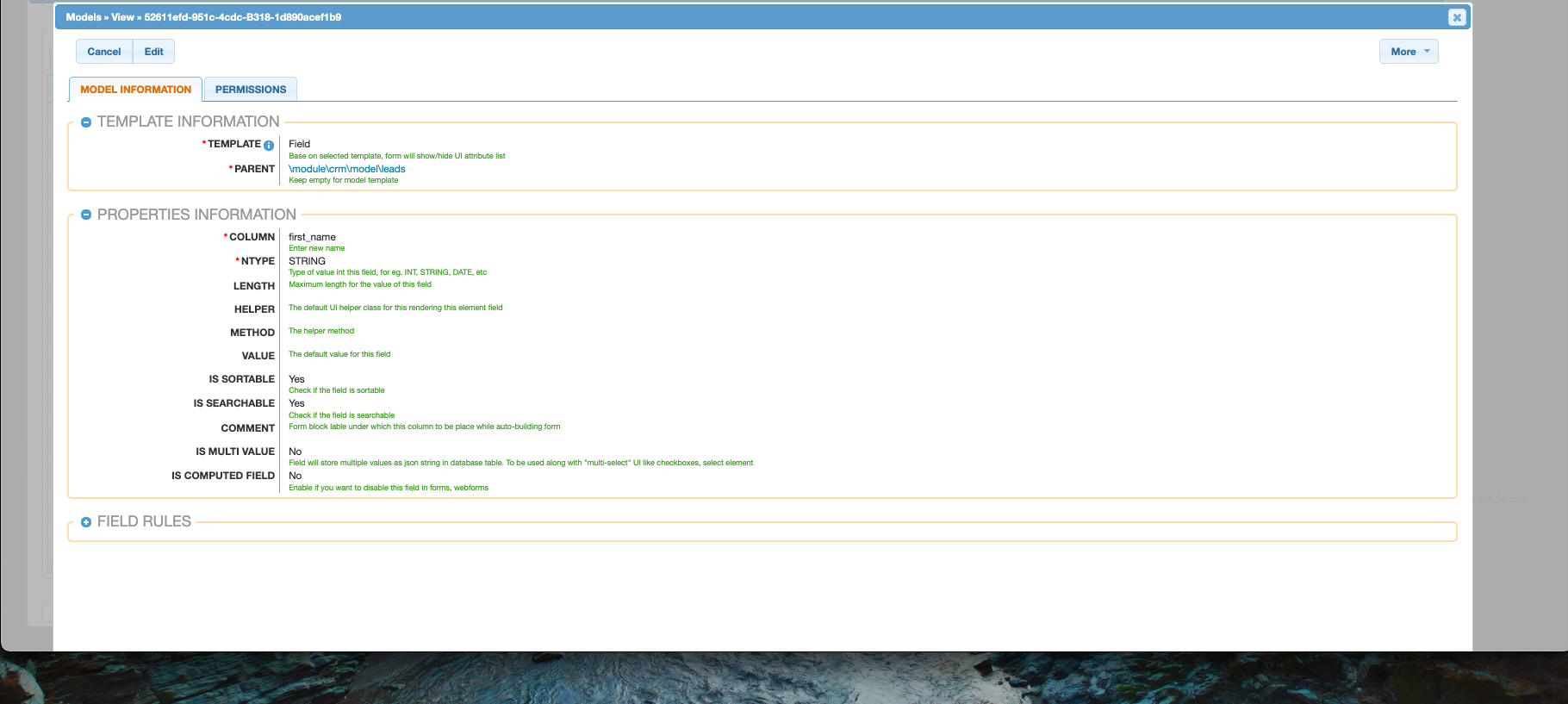
- Model Fields: Defines fields and their field type on a model
- Model Behaviours: Defines behaviours of fields
- Model Validations: Defines validations for field inputs
A field has a column and an NType to dictate the field type.
Form Editor
By pressing Form Editor on a controller, it will open up a form to edit the leads form.

Contains the form tree elements